NOTE: Before following these steps, please contact us at support@bundledocs.com for our NetDocuments installation guide.
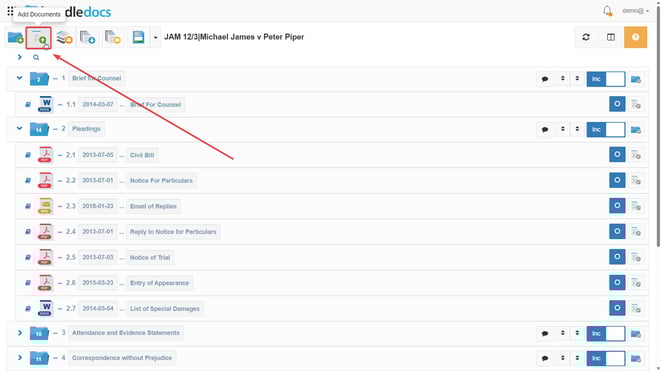
1. Go to  Add Documents which is the 2nd icon located at the top left of your bundle.
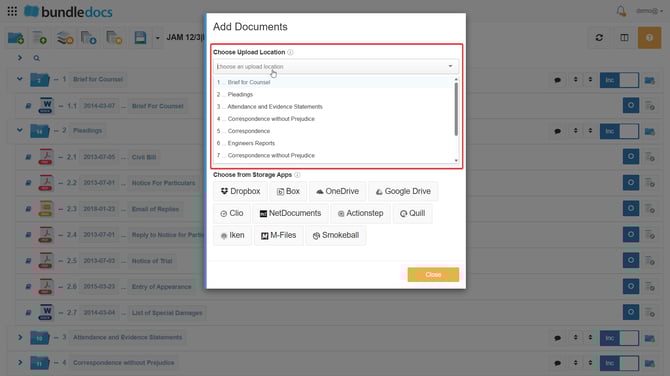
2. Select Choose Upload Location, where you can pick which section to upload your documents into.
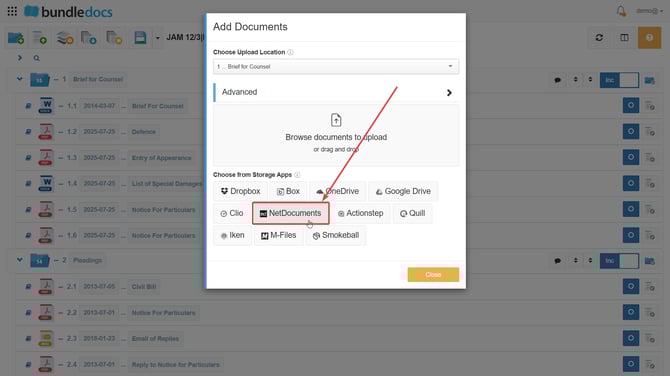
3. Click NetDocuments.
4. Choose the folder to access.
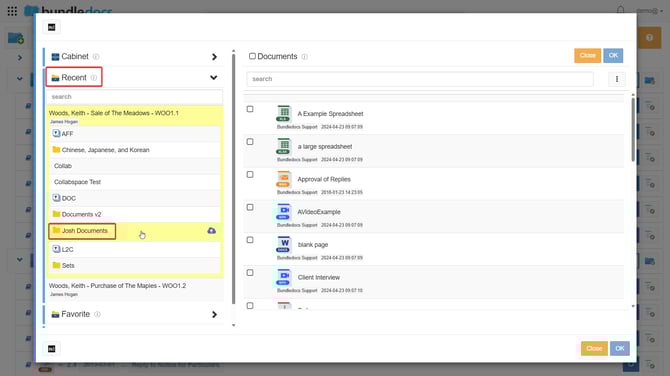
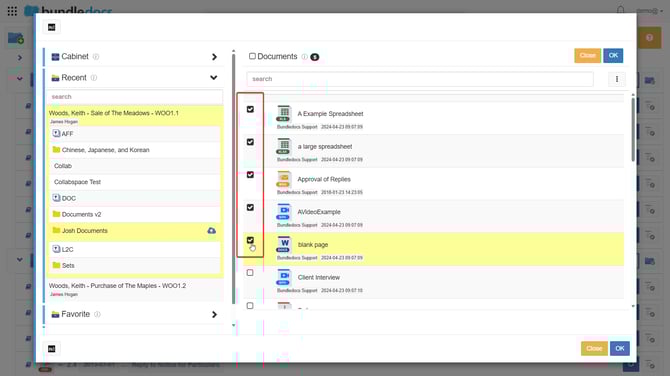
5. Tick the boxes next to each document you would like to upload.
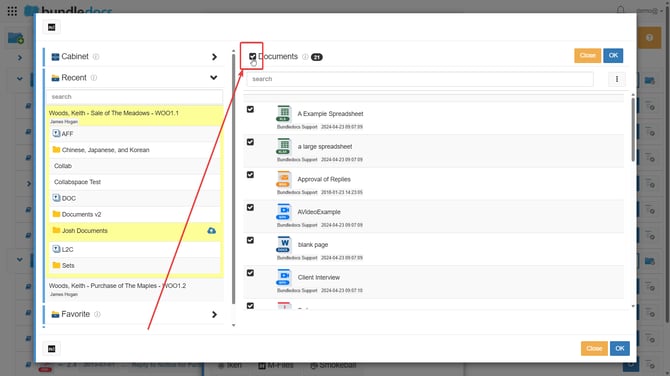
TOP TIP: To select all documents to upload, click the box to the left of Documents at the very top.
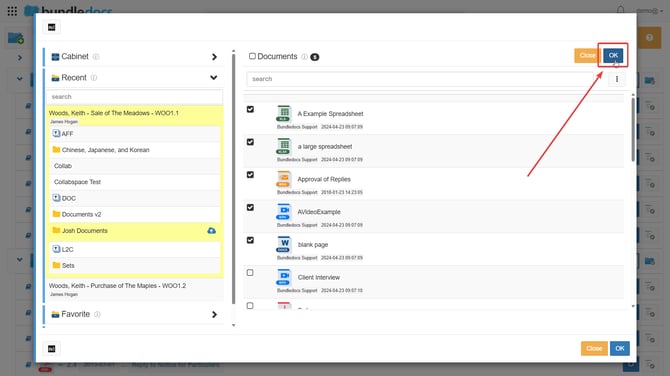
6. Click OK at the top right corner.
7. Each document should turn green and reach 100% when uploaded successfully.
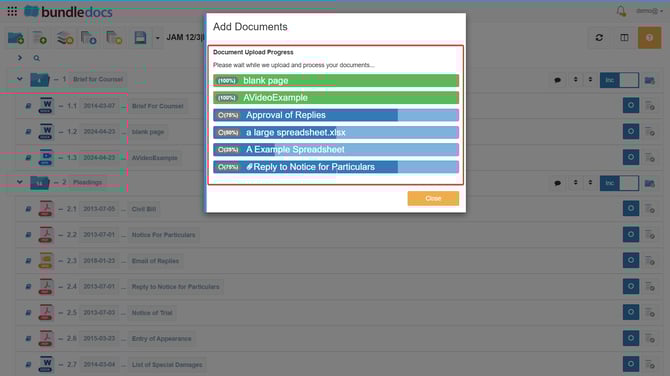
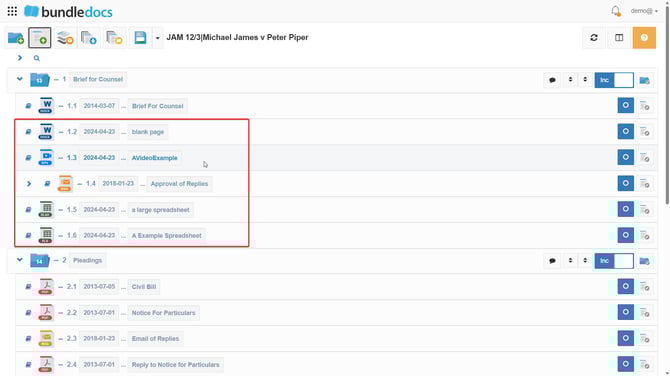
8. The documents should then show in your workspace.