- Go to
 Bundle Settings, which is the blue icon to the very right of each bundle in your Bundledocs homepage.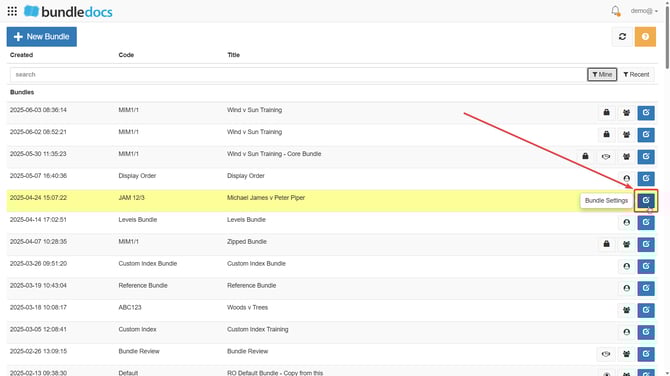
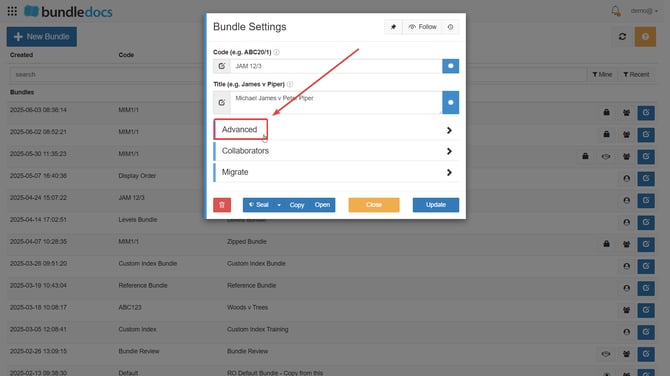
- Click Advanced.
- Select Groups Available To and choose from the options in the dropdown menu:
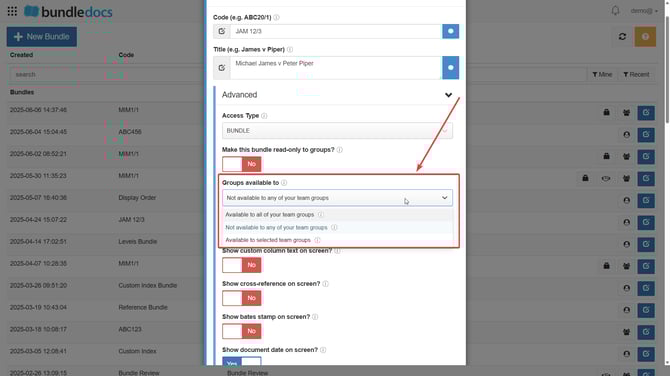
TOP TIP: If you choose Available to Selected Team Groups from the dropdown, another dropdown menu will appear directly underneath Groups Available To and you can choose the particular team group from there then: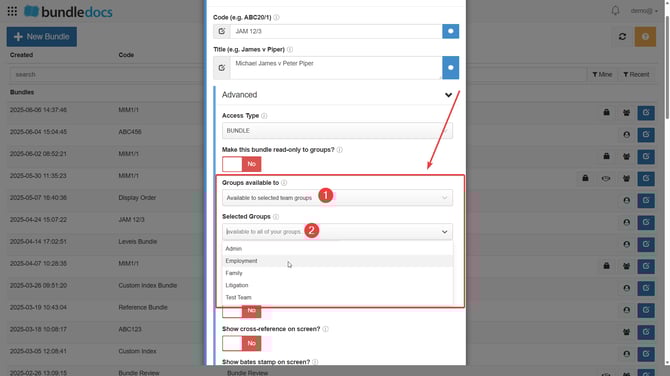
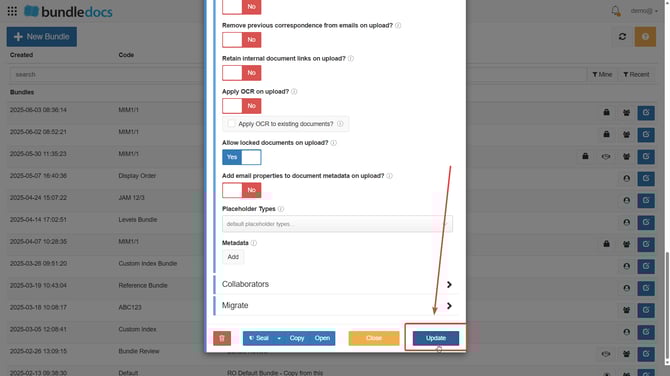
- Click Update.