
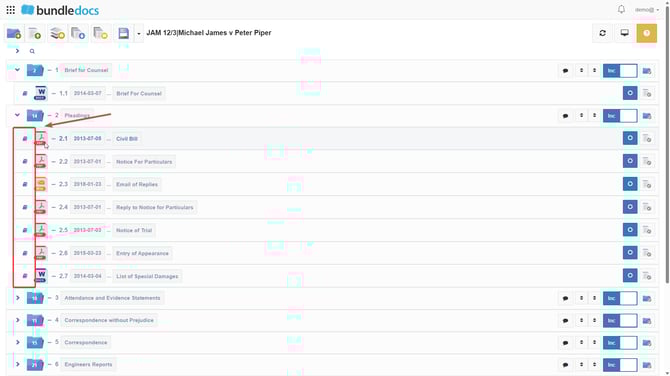
1. You will need to go to  Document Previewer, which is the blue book icon to the left of each document.
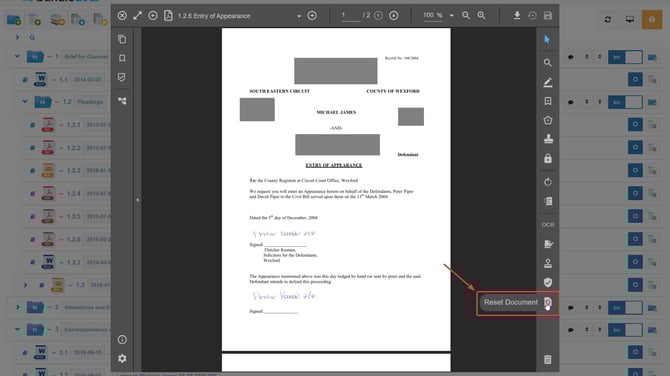
2. Click on  Reset Document.
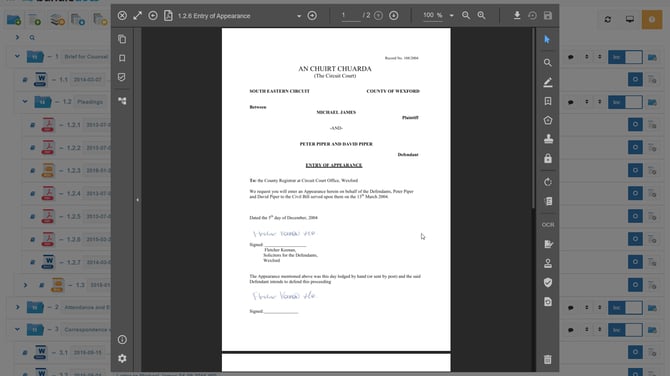
3. Now your document will be reset to its original state removing any sealed annotations.
1. You will need to go to Document Previewer, which is the blue book icon to the left of each document.
2. Click on Reset Document.
3. Now your document will be reset to its original state removing any sealed annotations.