|
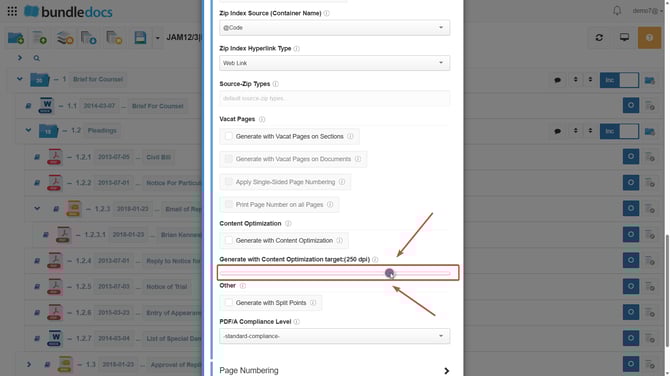
You can reduce the entire bundles size by reducing the bundles DPI when the bundle is generated. Tip: We reccomed ensuring that the DPI is kept between 200-300 as this is considered the sweet spot for DPI.
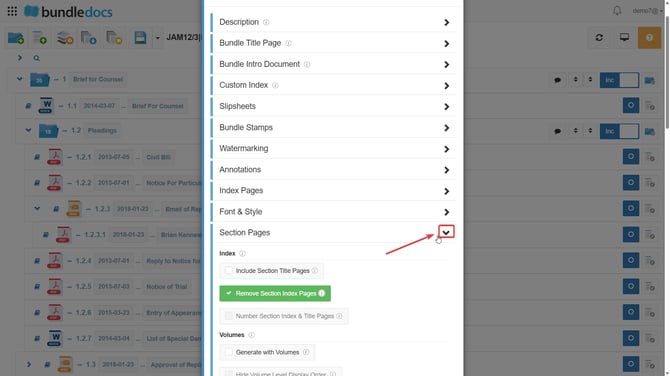
3.Once here please scroll down to locate the option Generate with Content Optimization Target. Use the DPI slider to select a lower DPI value (e.g.250).
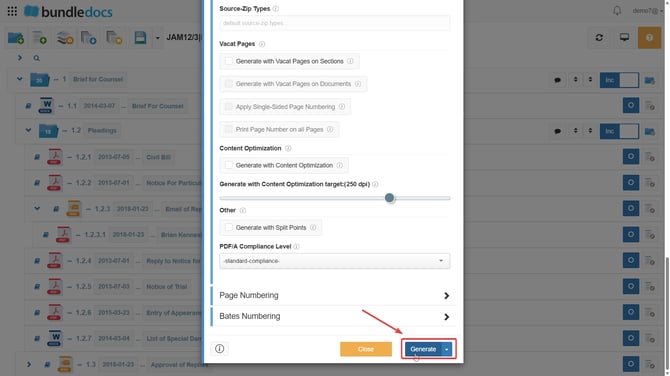
4.Once set, proceed to generate your bundle as usual.
|
 Generate and customize bundle settings.