
1. Go to  Bundle Settings which is blue icon to very right of bundle when you are in the Bundledocs homepage.
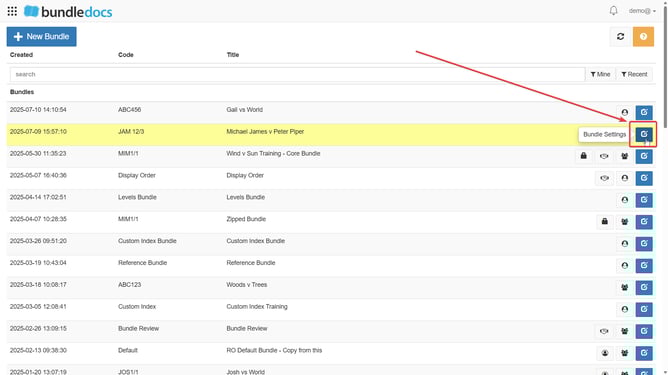
2. After clicking  Bundle Settings, click on Advanced tab to expand it.

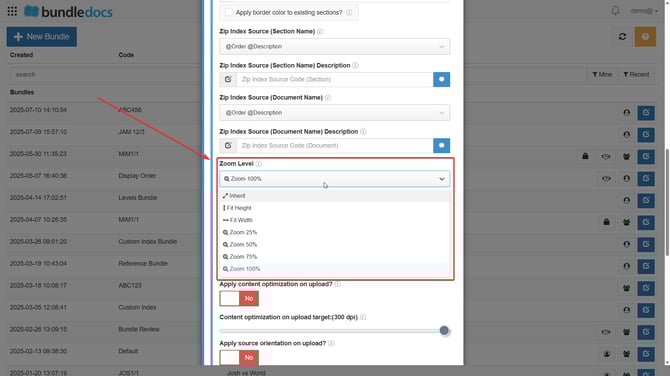
3. Scroll down and select Zoom Level, where you can choose which zoom level suits your requirements from the dropdown.
4. Click Update.
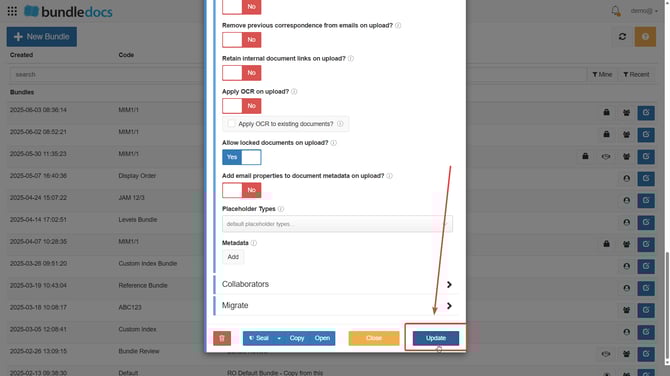
This will ensure your generated bundle will contain the chosen zoom level.