
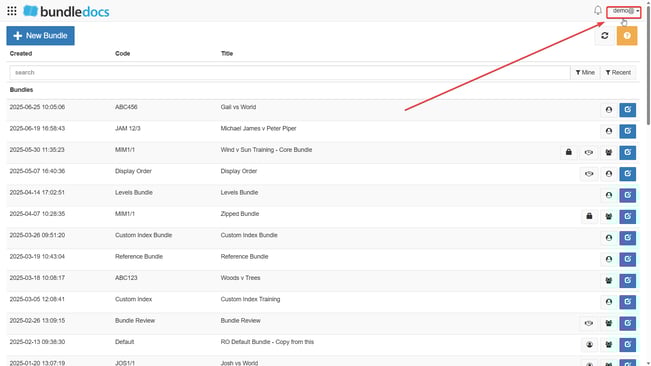
1. Click your email at the top right of Bundledocs.
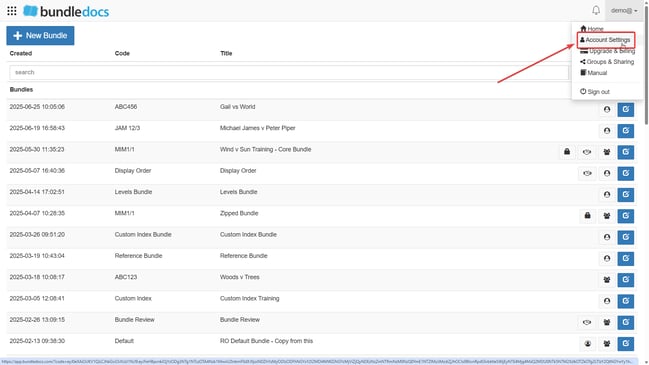
2. Select  Account Settings from the dropdown.
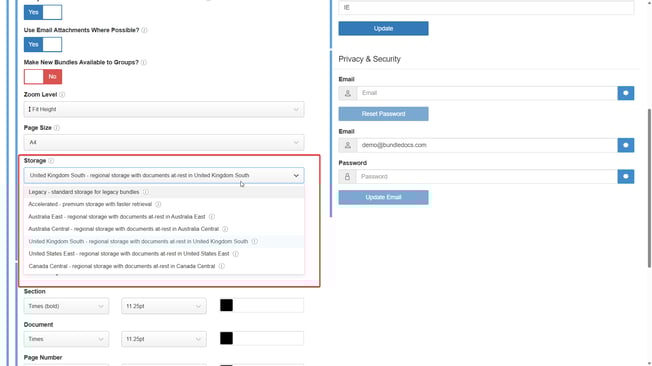
3. Click Storage and choose which location you are situated in.
4. Scroll down and press Update.
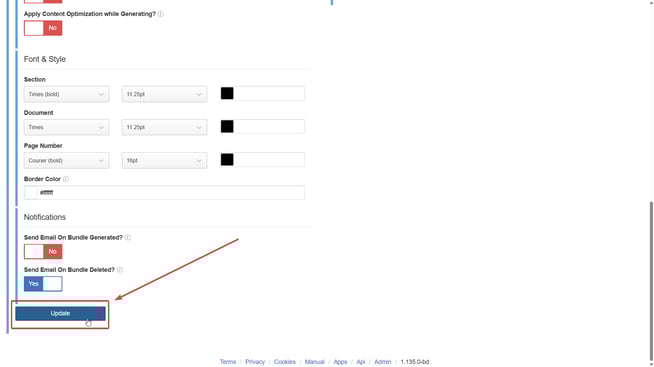
This will ensure all new bundles and documents will be stored in the chosen location.