
1.To do this firstly please go to your Bundledocs home page and enter the  Bundle Settings of the bundle you want to delete.
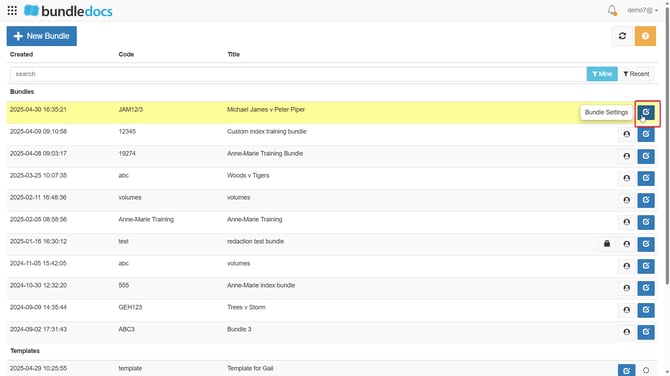
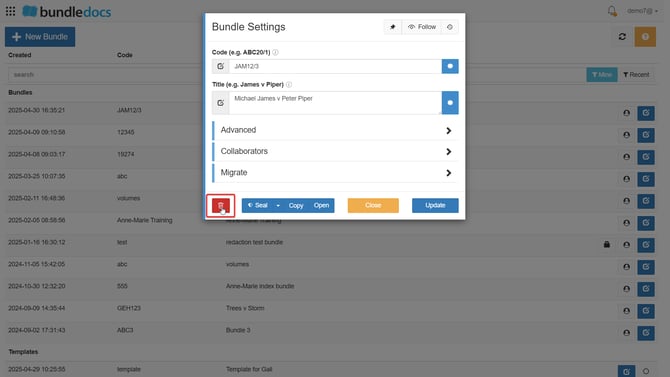
2. Once in  Bundle Settings you can delete the bundle by selecting the
  Delete button at the bottom left corner:
3. To confirm this action please select OK:
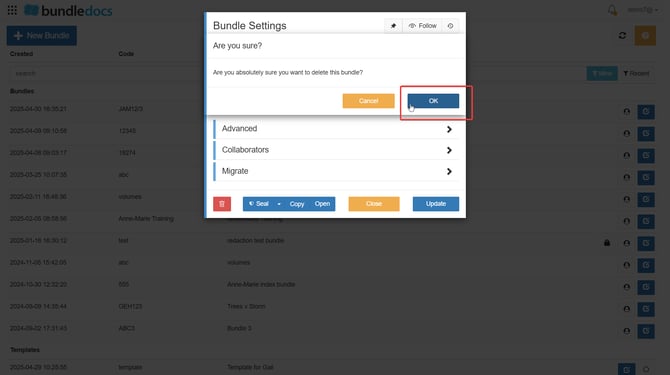
Now the bundle will be deleted from your account and no longer take up space on your subscription.