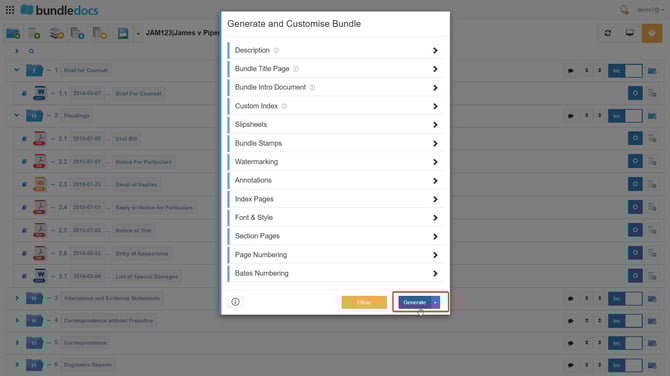
Tip: By default, your bundle will have a section index, however they can easily be removed.
To remove these section index pages, follow these steps:
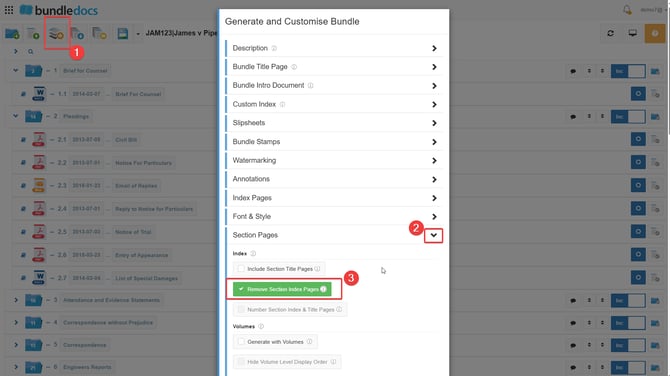
1.Go to  Generate and Customise Bundle.
2. Select the Section Pages dropdown.
3. Following this please select the option Remove Section Index Pages.
4.Once you have selected this setting, press Generate at the bottom of the generate and customize setting pop up. Once this is done your bundle should now generate without a section index page.